The government’s 2026 update has moved school phone policies from a matter of preference to a much clearer operational expectation. The question for many schools is no longer whether to restrict access, but how to do it consistently, securely and without creating a daily admin headache.
In its July 2026 response on children’s online wellbeing, the government confirmed that the Department for Education’s mobile phone guidance now has statutory weight. Schools should be phone-free by default, with exceptions made only where there is a justified individual need, such as certain medical conditions, disabilities or special educational needs.
The guidance leaves the practical method to school leaders. It specifically recognises secure lockers as one option because pupils can still carry a device on their journey to and from school while losing access to it during the school day. You can read the official mobile phones in schools guidance before updating your own policy.
A proper storage system creates a repeatable chain of custody. Phones are deposited in a defined location, compartments are locked, access is controlled and collection follows the same routine every day. This is easier to supervise than bags, trays or unsecured classroom cupboards, and it lowers the risk of devices being mixed up or handled unnecessarily.
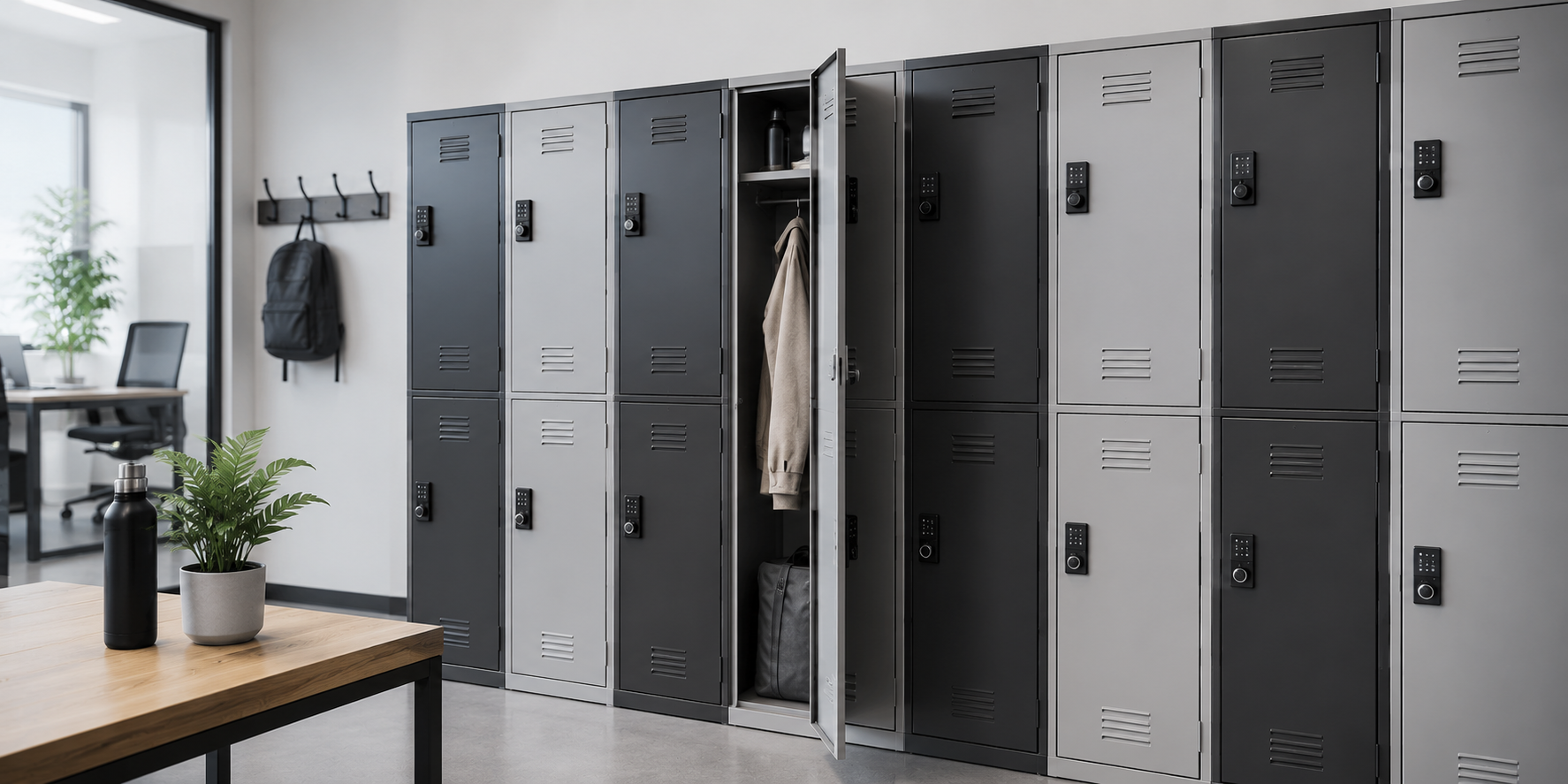
Purpose-built mobile phone lockers are available in compact multi-compartment formats, including 8, 16 and 20 compartments. They can also secure small valuables such as keys, wallets and tablets, which makes them useful beyond the classroom.
Start with the maximum number of devices that could be handed in at one time, not the school’s average daily attendance. Add a small spare capacity for new starters, damaged compartments and temporary visitors. Then decide whether storage will be centralised at reception or distributed by year group, house, tutor base or building.
For assigned compartments, a cam lock or private-mode mechanical combination lock can be cost-effective. For shared compartments, public-mode locks are usually easier because the user creates a temporary code or uses a credential for one visit. RFID is worth considering where the school already issues compatible ID cards, but credential technology must be checked before anything is ordered.
If the project covers several buildings or hundreds of pupils, a professional locker site survey can help establish quantities, routes, fixing requirements and the most manageable locking method.
Are mobile phone bans compulsory in English schools?
The government has placed the guidance on a statutory footing and expects schools to be mobile phone-free by default. Schools retain discretion over how they implement the rule and must allow justified exceptions.
Can pupils keep a phone for travelling to and from school?
Yes. Secure storage allows a pupil to bring a device for the journey while preventing access throughout the school day.
Do phone lockers need charging sockets?
Not necessarily. If the objective is simply to remove distraction and protect devices, unpowered compartments are usually sufficient. Charging adds cost, electrical considerations and another reason for pupils to access the unit.
Can existing school lockers be converted?
Sometimes. The door material, cut-out, compartment size, lock position and desired operating mode all need checking. A lock conversion may be more economical than replacing a serviceable locker bank.